free handbook · arabic dashboards
Right
to left.
48 things that break when a dashboard goes Arabic, and how to fix every one. Free, in Arabic and English, with an Excel lab you can break yourself.
48 مشكلة تظهر عندما يتحوّل الداشبورد إلى العربية، وحلّ كل واحدة منها. مجاني، بالعربية والإنجليزية، ومعه ملف إكسل تجرّب فيه بنفسك.
A drop of five, typed into the cell.
Same value. The minus sign moved to the other side on its own.
That is item 2.1. There are 47 more, each one reproduced before it was written down.
Take it
No sign-up, no email, nothing to join. Pick the one you want.
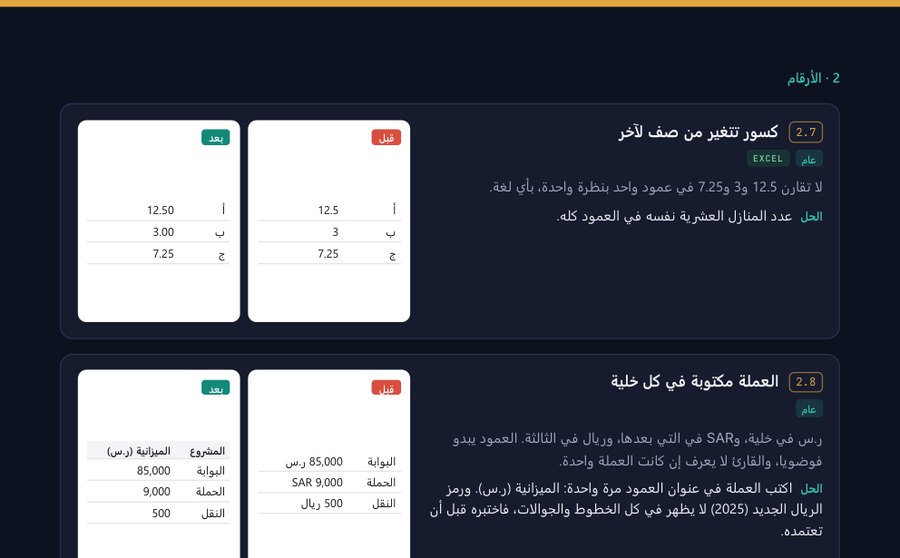
النسخة العربية
الكتيّب كاملاً بالعربية، من اليمين إلى اليسار، بنفس القواعد التي يشرحها.
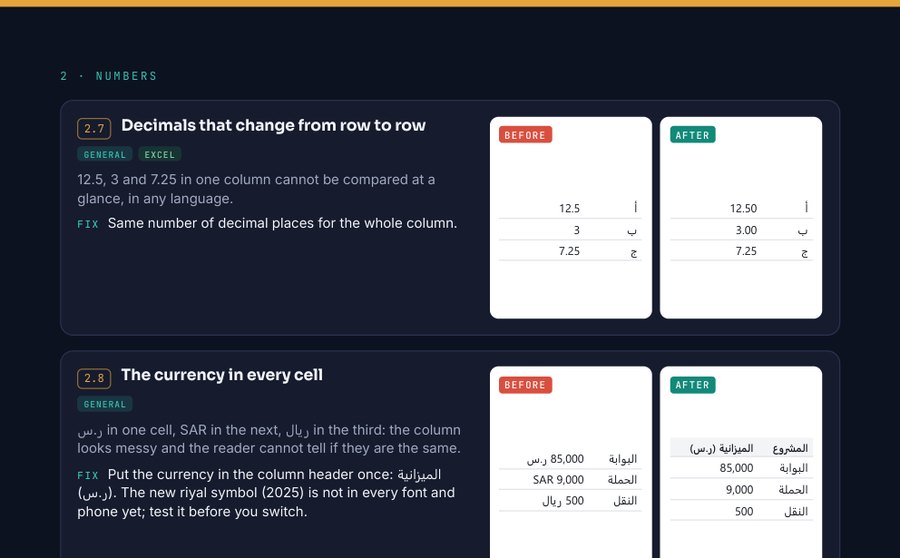
English edition
The same handbook in English. Every Arabic example is kept exactly as it really renders.
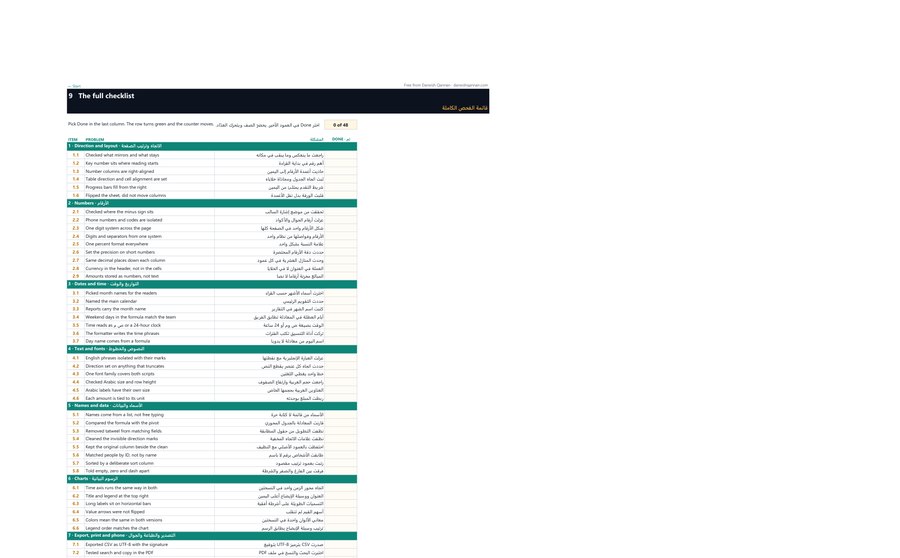
The Excel lab
13 tabs with the problems live: Hijri dates, the Saudi working week, a pivot that answers three ways, hidden marks you cannot see. Break a cell, watch the number go wrong, then fix it. A fourteenth tab holds the whole checklist, with a counter.
Download the labWhat is inside
Found a case the handbook misses?
Send it to me. If it holds up when I test it, it is considered for the next edition, and I will ask whether you want to be credited.
Send me a case See the other free tools